Embark on a journey to creating a successful online presence with a user-friendly website at the core. Discover the secrets to engaging design and seamless user experience.
Explore the key elements, strategies, and examples that will elevate your website to new heights of user satisfaction and conversion rates.
Importance of User-Friendly Websites

Having a user-friendly website is crucial for online success in today’s digital landscape. It not only enhances the user experience but also plays a significant role in improving engagement and conversion rates.
Examples of User-Friendly Websites
- Amazon: Known for its intuitive design, easy navigation, and personalized recommendations, Amazon provides a seamless shopping experience for users.
- Google: With a clean and minimalist interface, Google prioritizes user experience by delivering relevant search results quickly and efficiently.
- Apple: Apple’s website is visually appealing, easy to navigate, and showcases its products in a user-friendly manner, making it convenient for customers to explore and make purchases.
Impact of User-Friendly Design on Engagement and Conversion Rates
User-friendly design directly influences user engagement by creating a positive interaction between the user and the website. It increases the likelihood of users staying longer on the site, exploring different pages, and ultimately converting into customers. A well-designed website that is easy to navigate, visually appealing, and provides valuable content can significantly boost conversion rates and contribute to the overall success of an online business.
Elements of a User-Friendly Website
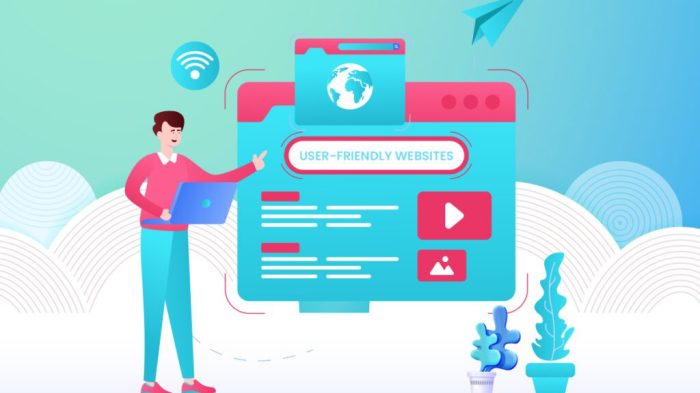
Creating a user-friendly website involves incorporating key elements that enhance the overall experience for visitors. These elements play a crucial role in ensuring that users can easily navigate the site, access information, and interact with the content.
Intuitive Navigation
One of the essential elements of a user-friendly website is intuitive navigation. This means that visitors should be able to find what they are looking for quickly and easily. Clear menu structures, organized content, and search functionality contribute to a seamless navigation experience.
Responsive Design
Another important element is responsive design, which ensures that the website adapts to different screen sizes and devices. With the increasing use of mobile devices, having a responsive website is crucial for providing a consistent user experience across all platforms.
Mobile Responsiveness and Accessibility Features
Mobile responsiveness is essential for catering to the growing number of users accessing websites on smartphones and tablets. A mobile-friendly design ensures that the site is easy to use on smaller screens, improving accessibility and user satisfaction. Accessibility features, such as alt text for images and keyboard navigation, make the website usable for individuals with disabilities.
User Experience Comparison
When comparing user-friendly websites to non-user-friendly ones, the difference in user experience is evident. User-friendly websites are easy to navigate, visually appealing, and provide a seamless browsing experience. On the other hand, non-user-friendly websites may have confusing layouts, slow loading times, and limited accessibility features, resulting in frustration and a higher bounce rate.
Strategies for Building a User-Friendly Website
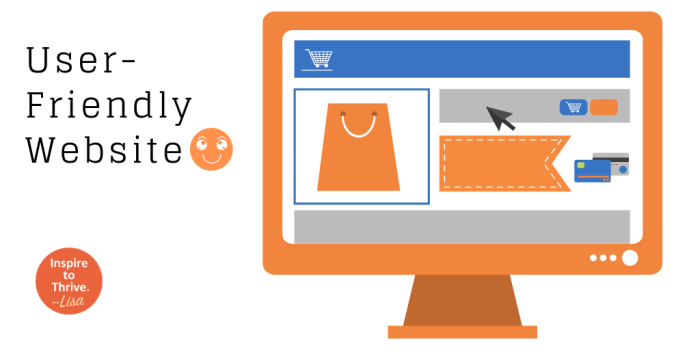
To ensure your website is user-friendly, it is essential to focus on optimizing website speed and performance, designing a layout that enhances usability and readability, and creating clear calls-to-action to guide users effectively.
Optimizing Website Speed and Performance
Ensuring your website loads quickly is crucial for user experience. To optimize website speed and performance:
- Compress images and files to reduce loading times.
- Minimize HTTP requests by combining files and scripts.
- Enable browser caching to store frequently accessed data.
- Utilize a content delivery network (CDN) to distribute content geographically.
- Regularly monitor website performance using tools like Google PageSpeed Insights.
Designing a Layout for Usability and Readability
The layout of your website plays a significant role in user experience. To enhance usability and readability:
- Ensure a clean and organized design with intuitive navigation.
- Use a responsive design to adapt to various screen sizes and devices.
- Choose a legible font and maintain proper contrast between text and background.
- Include ample white space to improve readability and focus on essential elements.
- Opt for a consistent design throughout the website for a cohesive user experience.
Creating Clear Calls-to-Action
Clear calls-to-action guide users on the actions they should take on your website. To create effective calls-to-action:
- Use action-oriented language to prompt users to act, such as “Sign Up Now” or “Learn More.”
- Place calls-to-action prominently on the page where they are easily visible.
- Use contrasting colors to make calls-to-action stand out from the rest of the content.
- Keep calls-to-action concise and straightforward to avoid confusion.
- Test different variations of calls-to-action to determine which ones are most effective.
Closing Summary
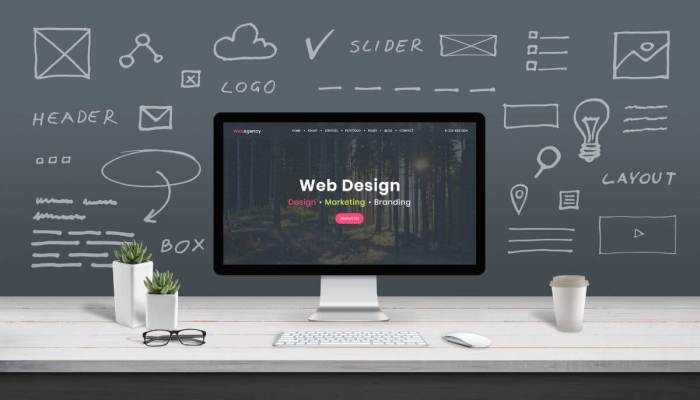
Take your website to the next level by implementing the best practices discussed. Elevate user engagement, boost conversions, and set yourself apart in the digital landscape with a user-friendly website.